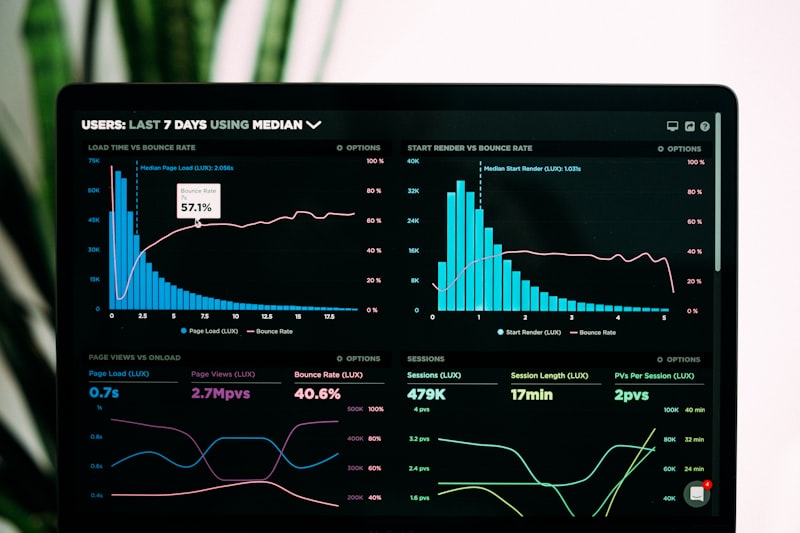
Why Track Stocks in Notion?
Most stock trackers are either expensive ($10-30/month for apps) or ugly (spreadsheets). Notion gives you the best of both worlds: a beautiful, customizable dashboard that costs nothing to build.
With a Notion stock tracker, you can monitor your entire portfolio in one place. current holdings, watchlist, performance, dividends, and allocation. all linked to your trading journal.
📊 "I switched from a paid portfolio tracker to my Notion dashboard. Saved $240/year and my setup is actually more useful because I customized everything to my needs."
Setting Up Your Portfolio Database
Create a new database in Notion called "Portfolio" with these properties:
- Ticker (Text): Stock symbol (AAPL, MSFT, etc.)
- Company Name (Text): Full name
- Sector (Select): Technology, Healthcare, Energy, etc.
- Shares (Number): Number of shares owned
- Average Cost (Number): Average purchase price per share
- Current Price (Number): Manually updated or via integration
- Purchase Date (Date): When you bought
Portfolio Allocation Tracking
To track allocation, add these formula fields:
- Market Value (Formula):
prop("Shares") * prop("Current Price") - Cost Basis (Formula):
prop("Shares") * prop("Average Cost") - Allocation % (Formula):
prop("Market Value") / prop("Total Portfolio Value") * 100(uses a rollup)
Create a summary view that shows your top holdings, sector allocation breakdown, and concentration risk.
Tracking P&L and Performance
Add these formulas for performance tracking:
- Unrealized P&L (Formula):
prop("Market Value") - prop("Cost Basis") - Return % (Formula):
(prop("Unrealized P&L") / prop("Cost Basis")) * 100 - Daily Change (Number): Track daily price changes
Dividend & Income Tracking
For dividend investors, add:
- Dividend Yield (Number): Current yield %
- Annual Dividend (Formula):
prop("Shares") * prop("Dividend Per Share") * 4(for quarterly payers) - Ex-Dividend Date (Date): Track upcoming dates
- Dividend Received (Rollup): Sum from linked dividend transactions
Building the Dashboard View
Create a main dashboard page with multiple views:
- Portfolio Overview: Summary with total value, total P&L, daily change, and allocation pie chart
- Holdings Table: Sortable table with all current positions
- Watchlist: Separate database for stocks you're monitoring
- Transaction Log: Linked database for buy/sell history
- Dividend Calendar: Calendar view of upcoming ex-div dates
Useful Notion Formulas
- Total Portfolio Value:
sum(prop("Market Value"))in a linked summary database - Daily Change %:
round((prop("Current Price") - prop("Previous Close")) / prop("Previous Close") * 100 * 100) / 100 - Sector Allocation: Group by sector and use rollups to show % allocation
Price Updates & Automation
Notion doesn't natively pull live stock prices, but you have options:
- Manual update: Simple and reliable. Update prices once per day.
- Google Finance + Zapier/Make: Automate price updates from Google Sheets
- Notion API: Use the Notion API with a Python script to update prices
Our Notion Trading Journal Template includes a complete portfolio tracker with all these fields, formulas, and views built in. plus a linked trading journal for seamless trade logging.
References: Yahoo Finance API
References: Yahoo Finance API
Get the Complete Notion Stock Tracker
Build your portfolio dashboard in minutes. The Notion Trading Journal template includes portfolio tracking, P&L calculations, allocation analysis, and dividend tracking. all linked to your trade journal.
Get the Template →